


CWS Cold Wallet Simulator
BLE hardware-wallet simulator for lab testing
Screenshots
About
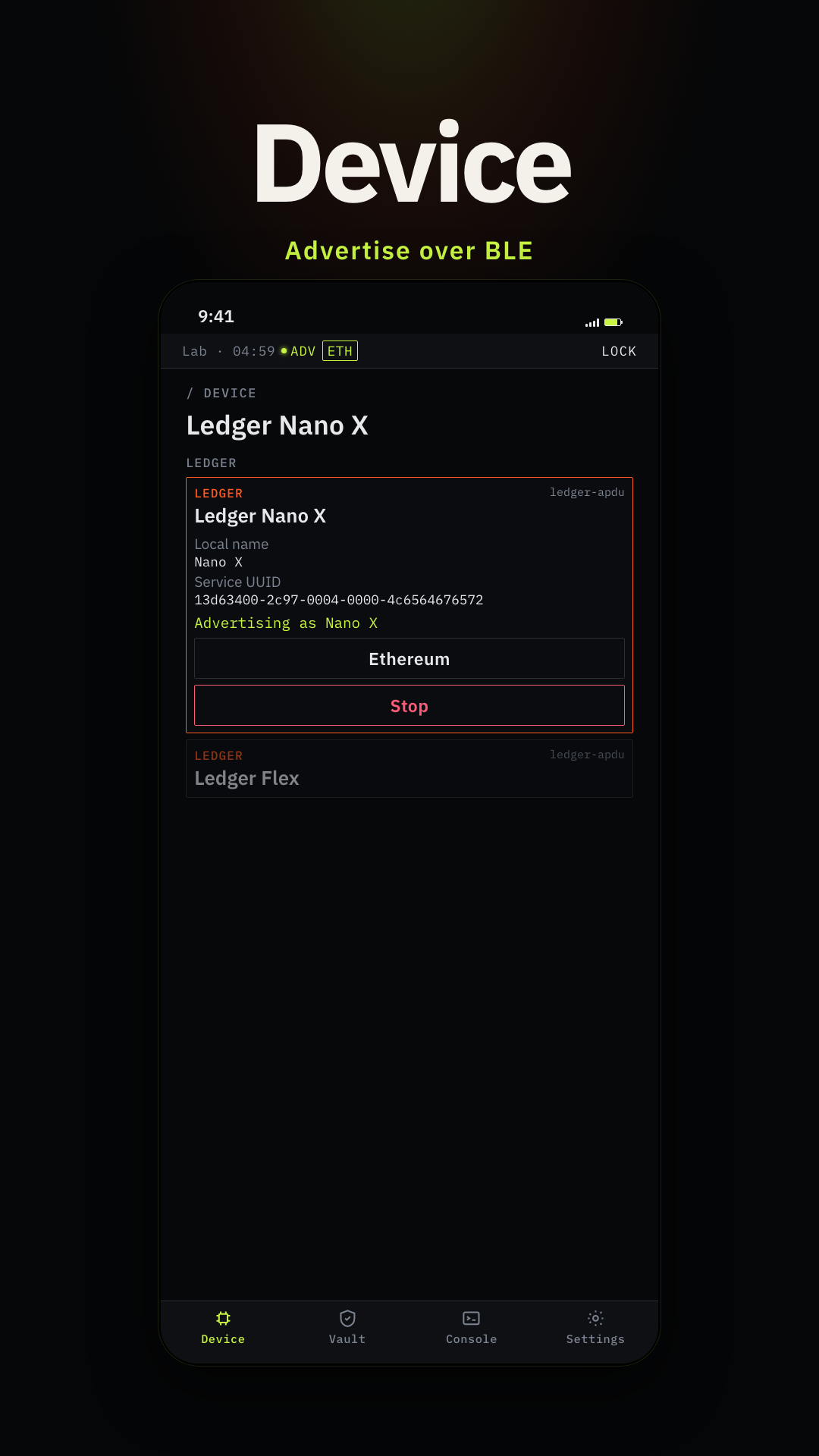
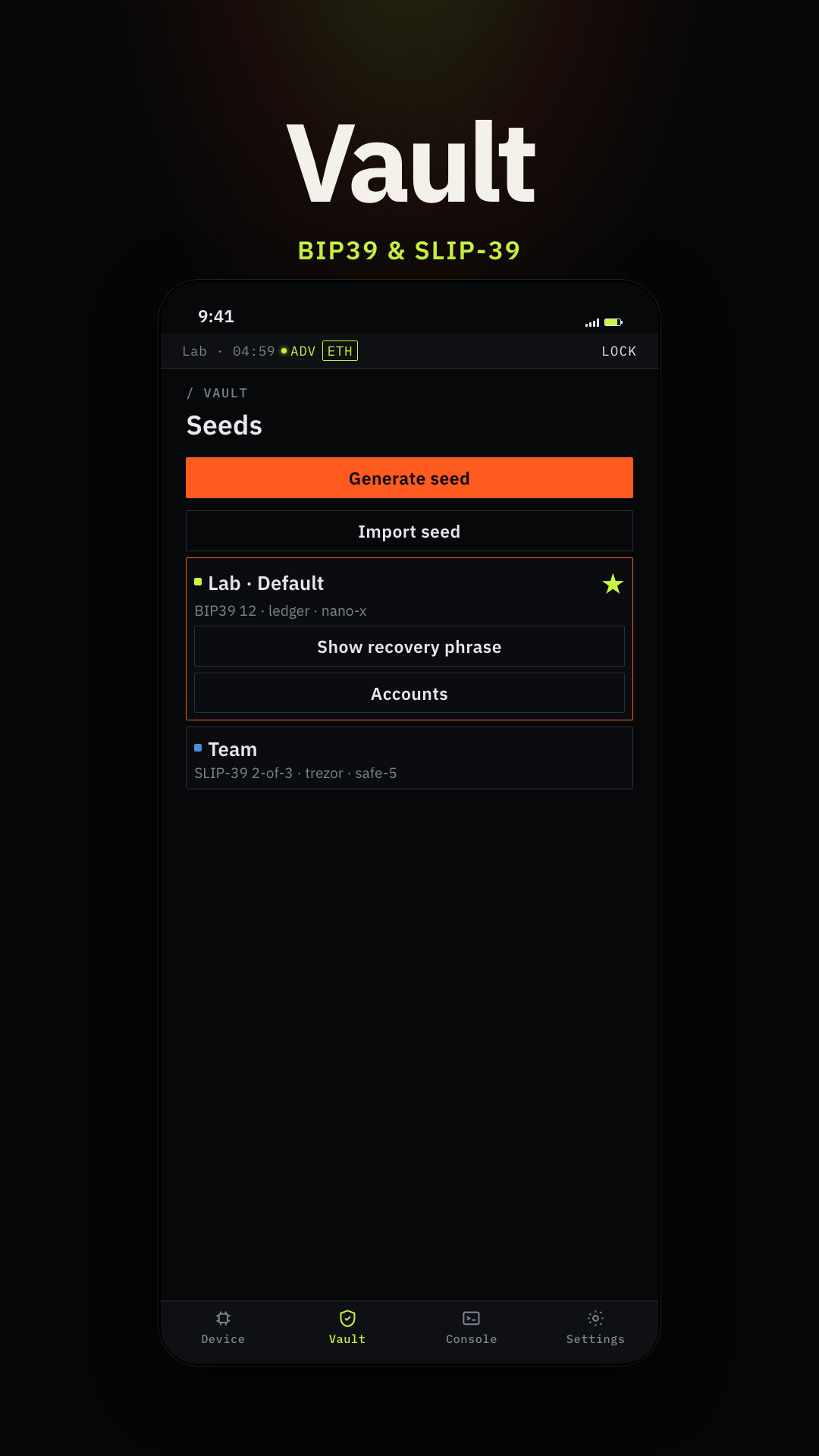
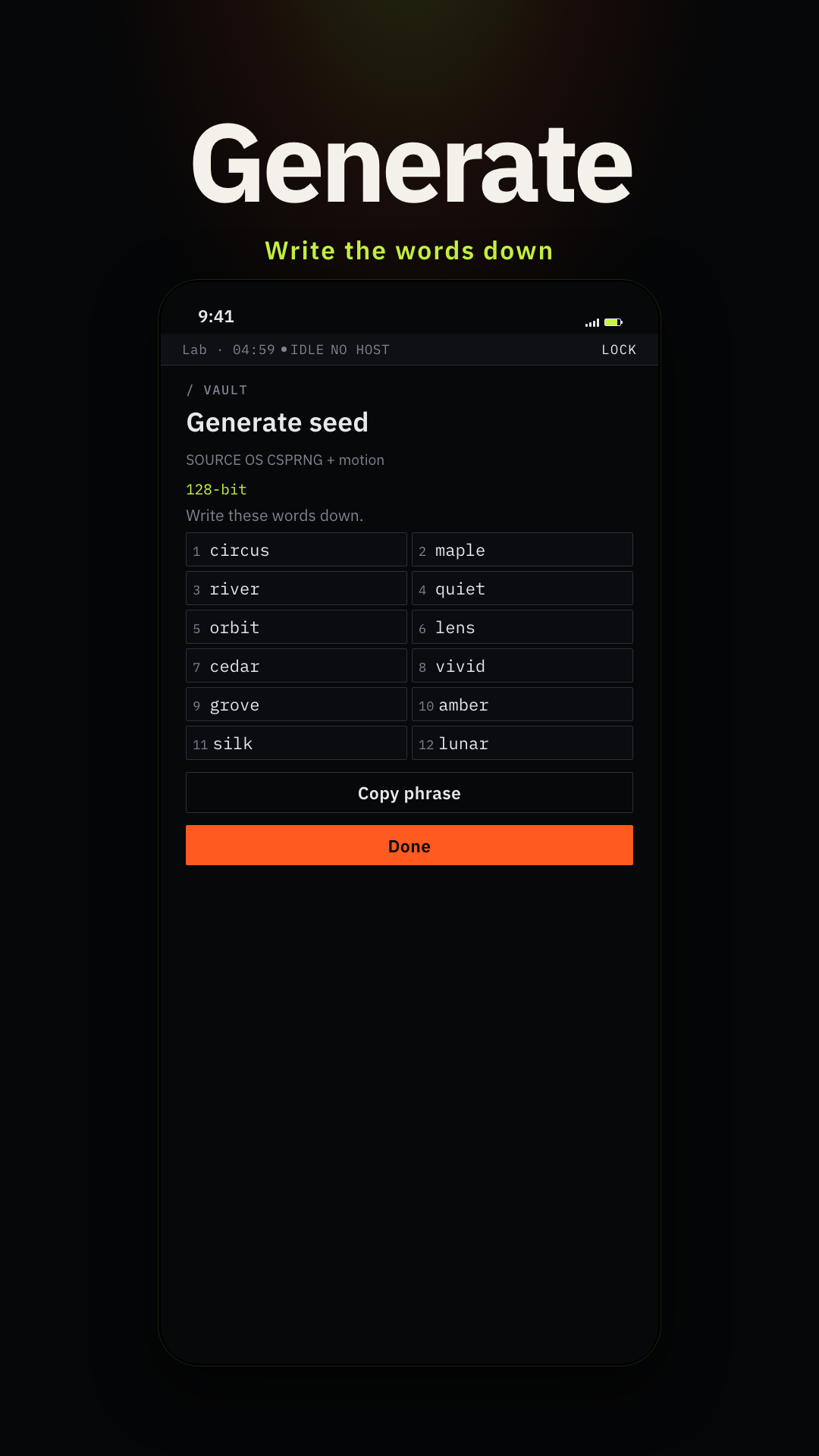
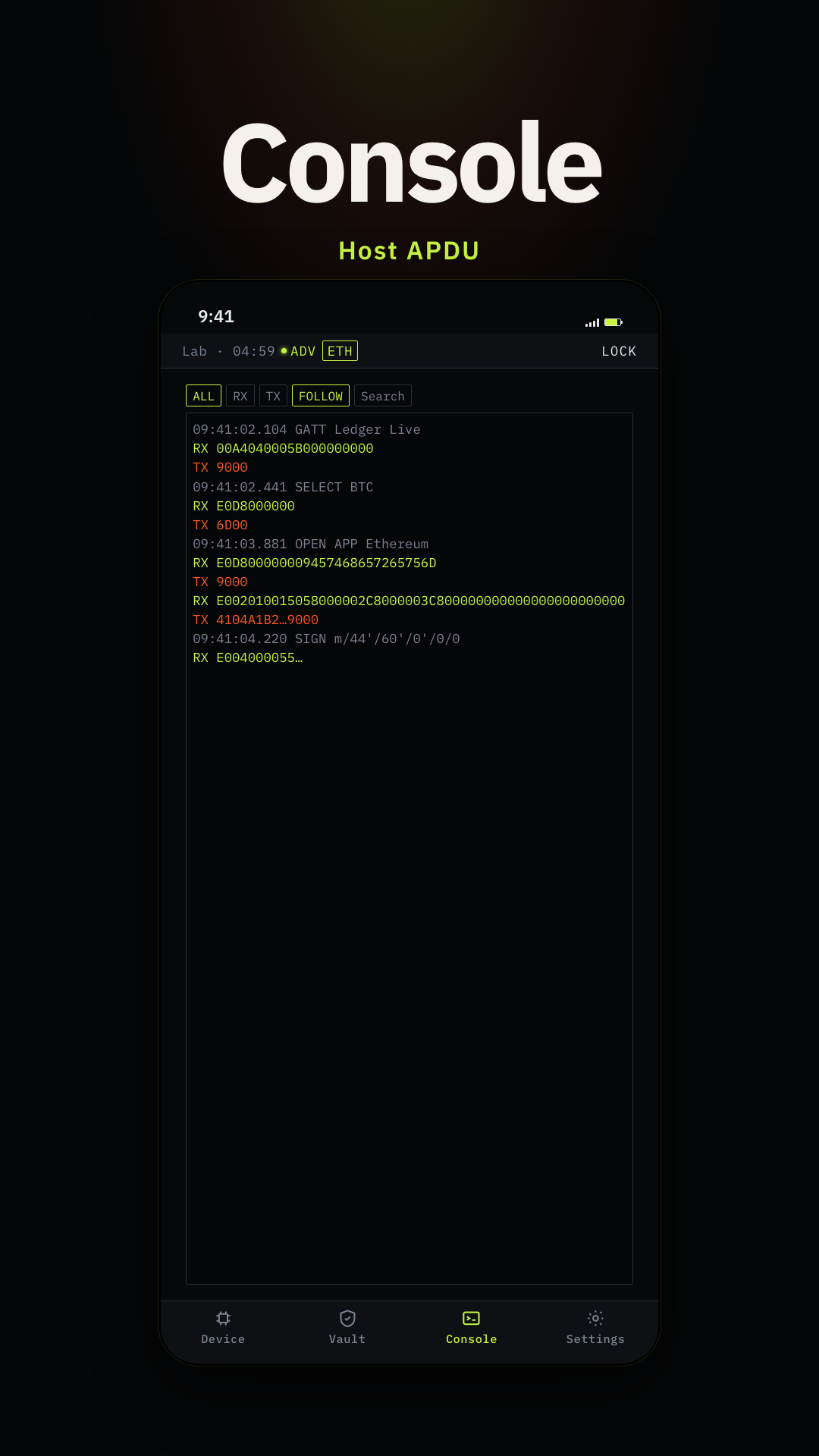
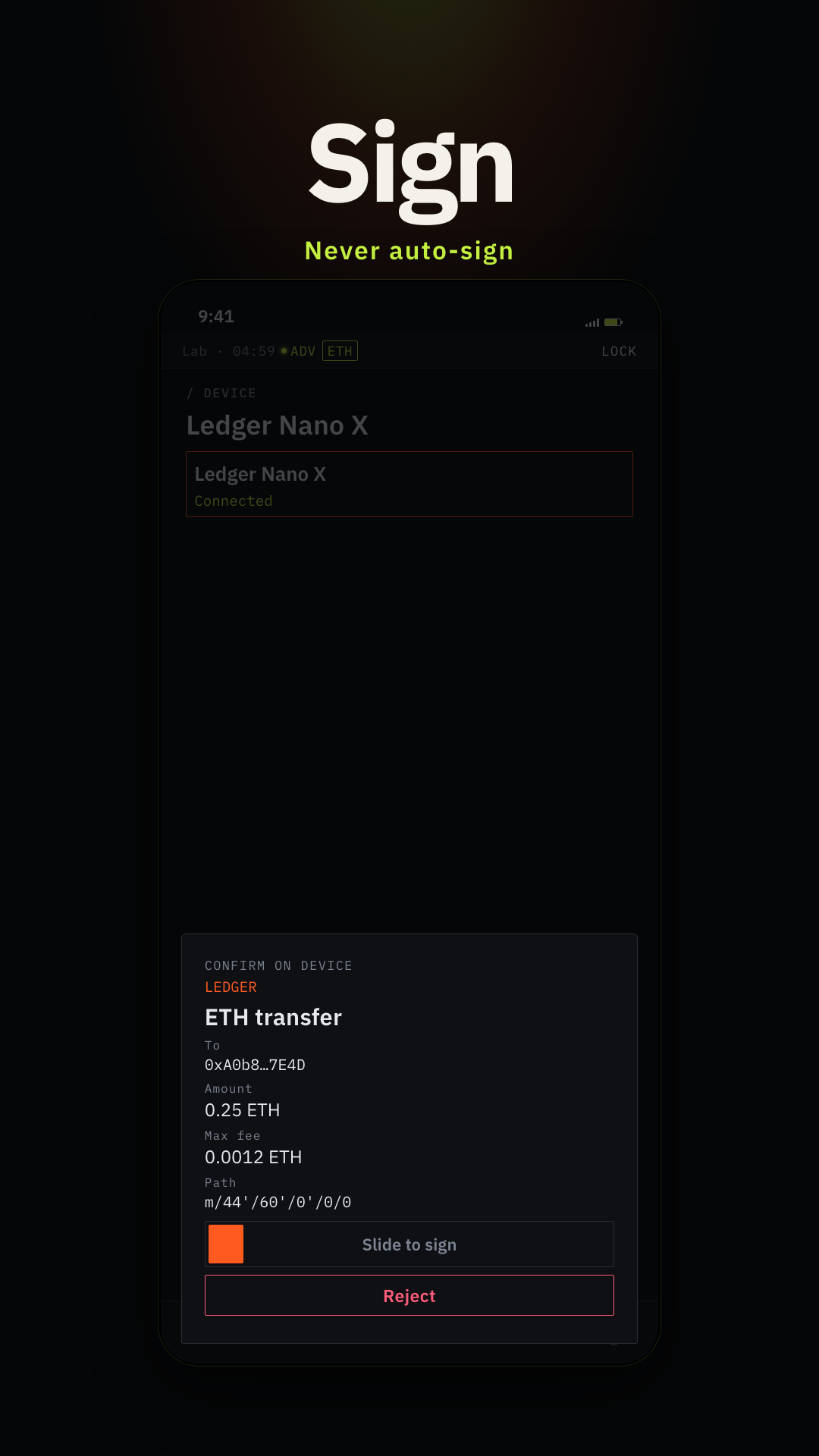
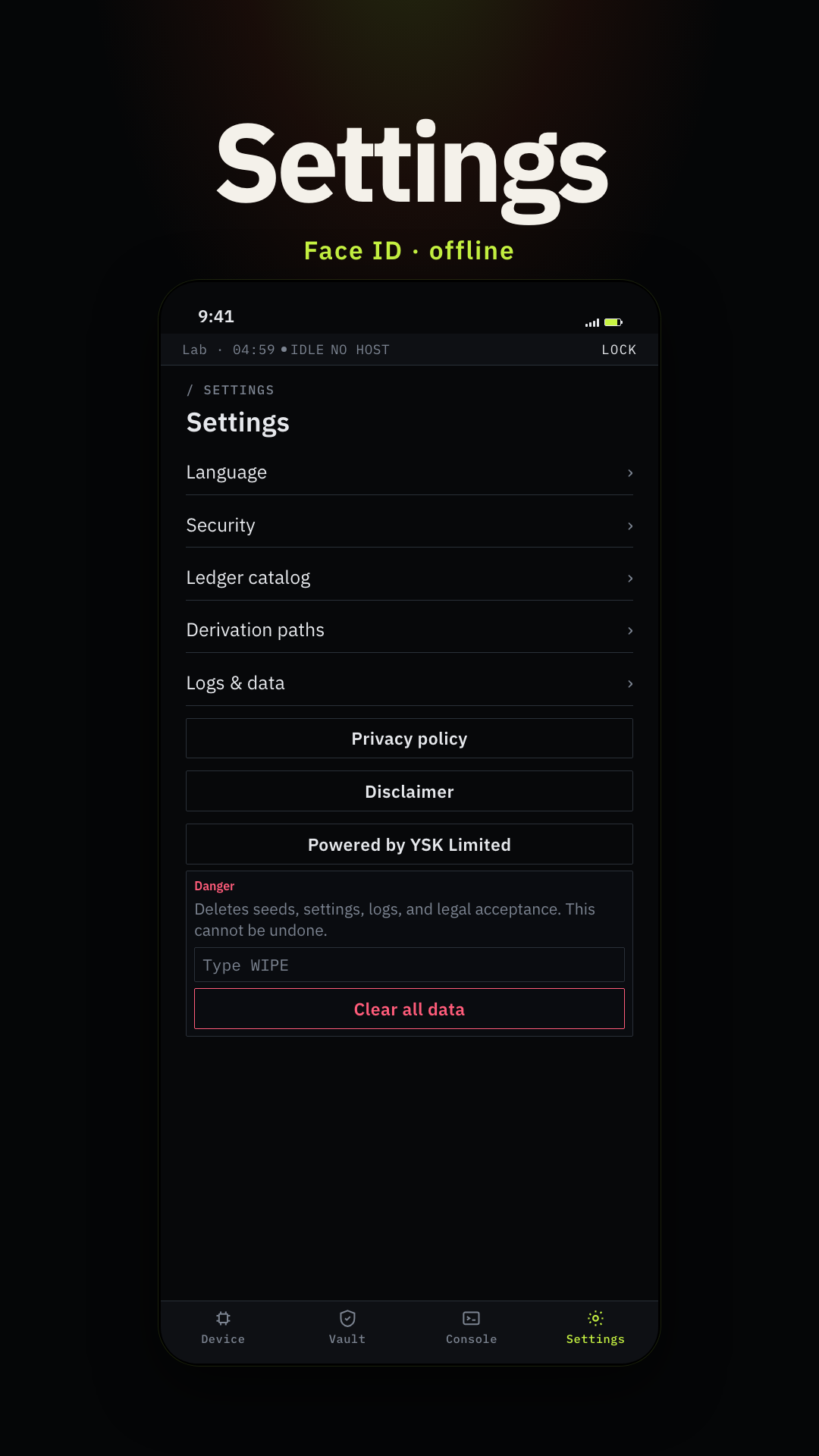
CWS (Cold Wallet Simulator) is a lab tool from YSK Limited for developers and wallet teams. It turns a physical Android phone into a Bluetooth peripheral that speaks selected Ledger, Trezor, and OneKey protocols, so third-party wallets and host apps can test interoperability. This is a simulator. It is not a secure element and it is not a real hardware cold wallet. Ledger, Trezor, and OneKey do not endorse this software. Treat it like a hot-wallet peer. Do not store real funds or any seed that controls real digital assets. Seeds are not absolutely safe. What you can test • Advertise over Bluetooth as a selected Ledger, Trezor, or OneKey model (OneKey Mini has no Bluetooth and is not simulated) • Hold BIP39 or SLIP-39 secrets in operating-system secure storage (mnemonics are never written to the clipboard) • Confirm or reject host requests with press-and-hold on the phone; CWS never auto-signs • Derive and sign for the chains listed in the product README, including Solana Ledger path m/44'/501'/0' and Solana Phantom path m/44'/501'/0'/0' • Export accounts and descriptors as QR (UR / BBQr); a backup-seed QR requires on-device confirmation • Inspect host traffic in the console; unsupported commands return an honest error, not a faked success Requirements A physical Android phone. Keep the app in the foreground while advertising. Bluetooth advertising does not work in an emulator or Expo Go. CWS is not Ledger Live, Trezor Suite, or the OneKey app, and it is not expected to pass Ledger Live’s genuine-device check. If this phone already has CWS installed from Google Play or a sideload APK, uninstall that copy before installing from the Solana dApp Store. The two builds use different signing keys and cannot update each other; uninstalling clears local data, including any seed stored on the device. Licence: MIT. Copyright (c) 2026 YSK Limited. Product: https://ysk.hk/en/products/ysk-cold-wallet-simulator Privacy: https://ysk.hk/privacy-policy
What's New
Version 1.1.7 (build 13). When you apply a passphrase, a “Preparing wallet…” overlay is shown before and after Face ID or device passcode authentication, so the screen is not blank while you wait. CWS remains a simulator, not a secure element. Do not store real assets. Seeds are not absolutely safe.