



Chatoshi AI
ClaimedAI chatbot for crypto & Web3
Screenshots
About
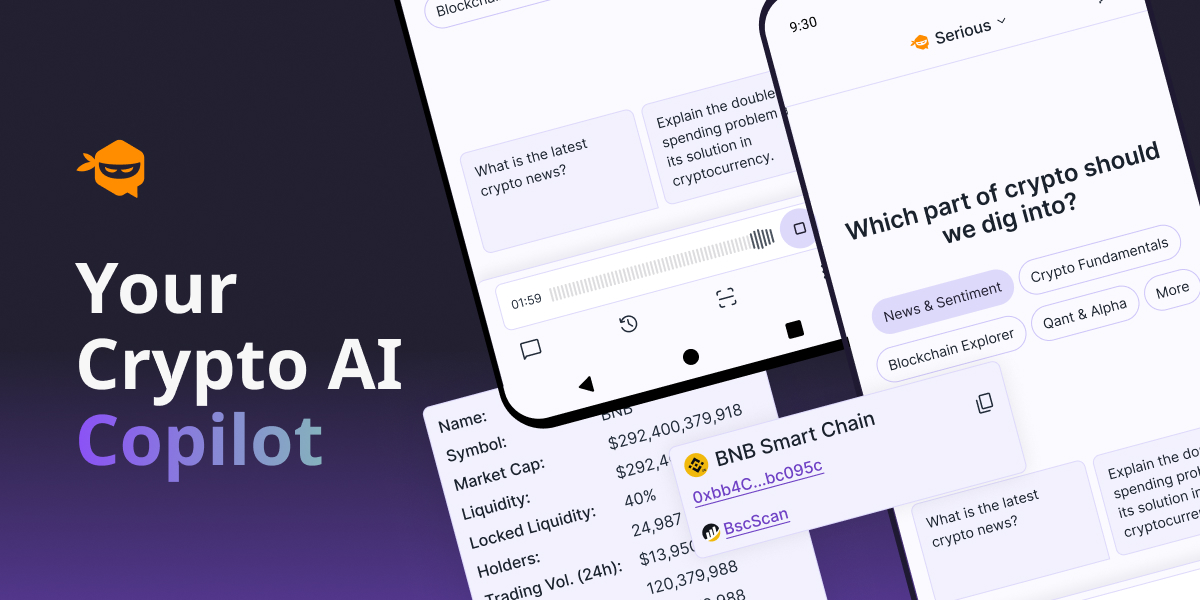
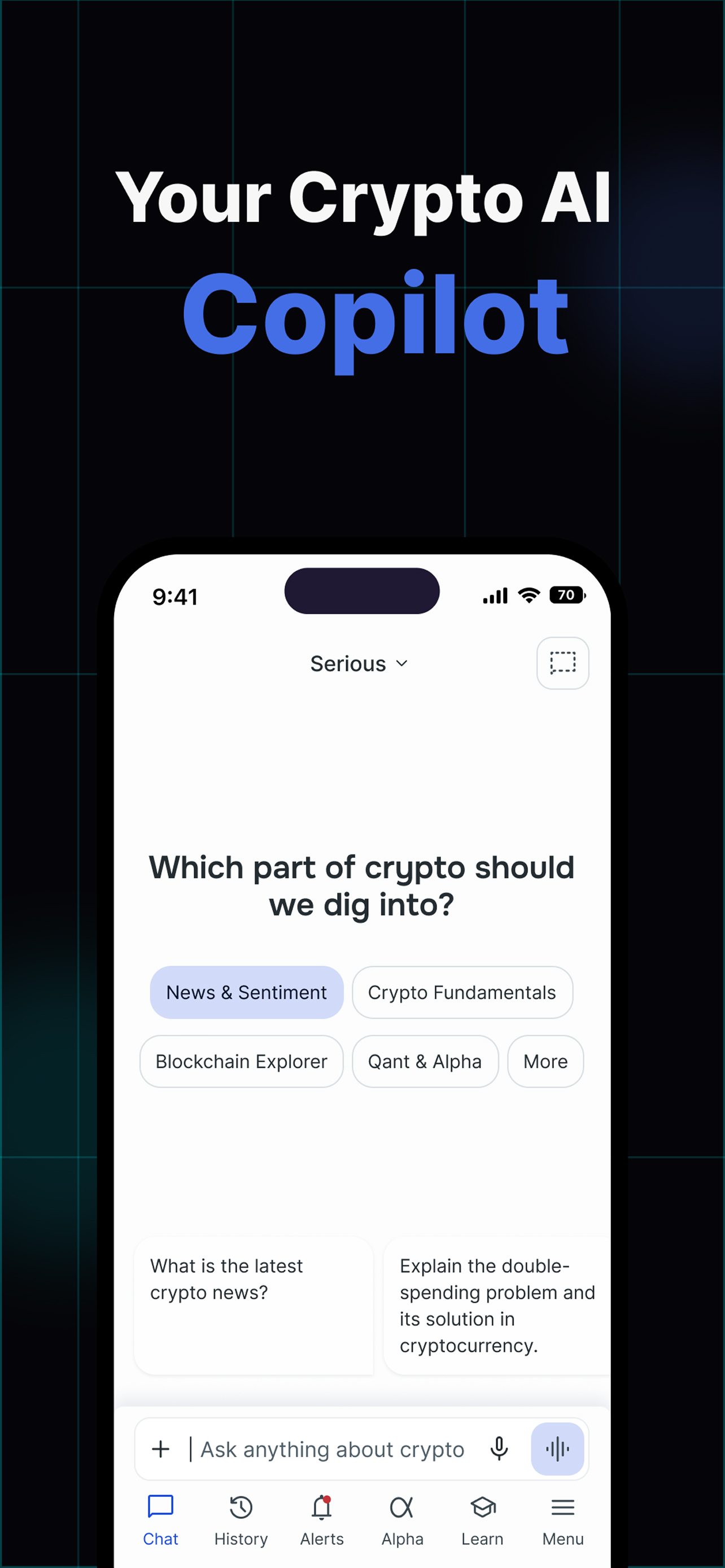
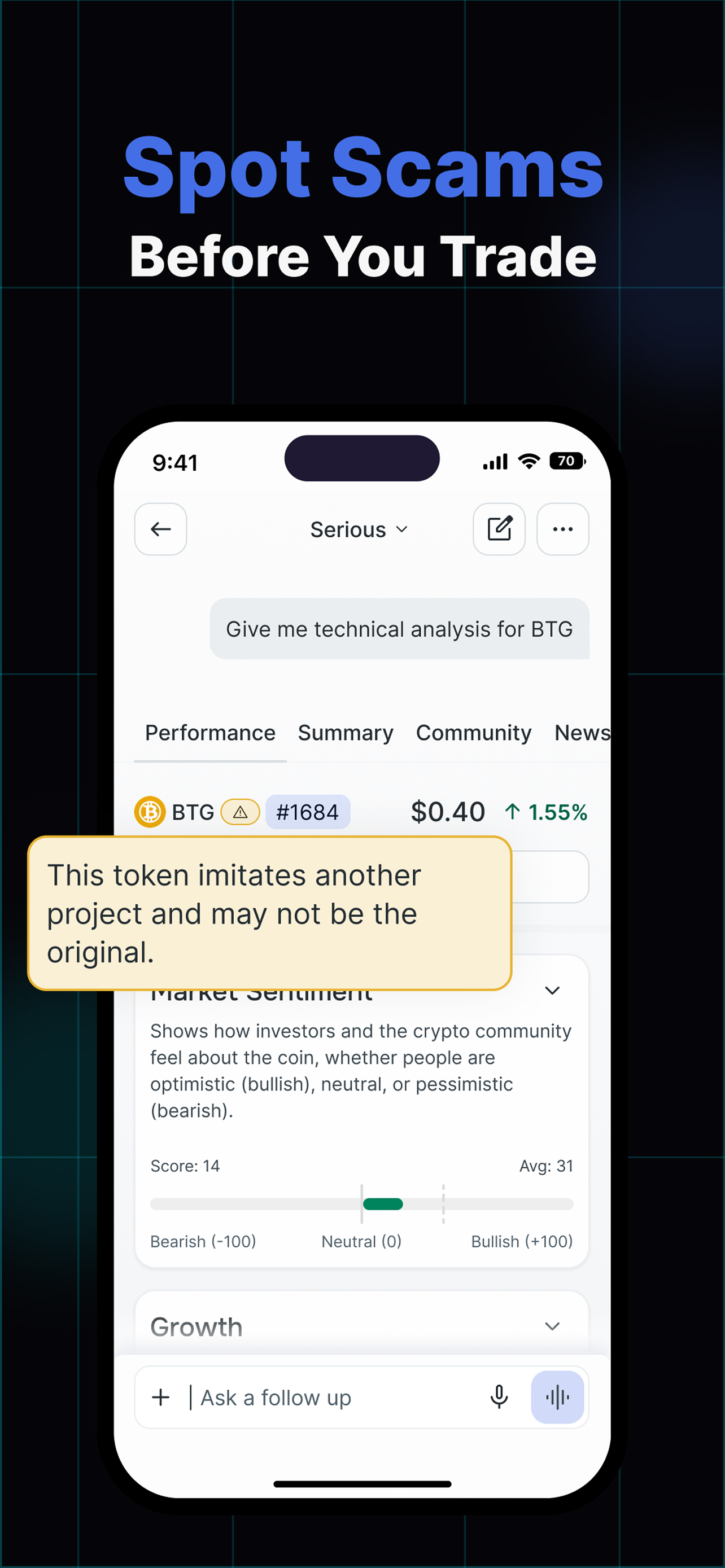
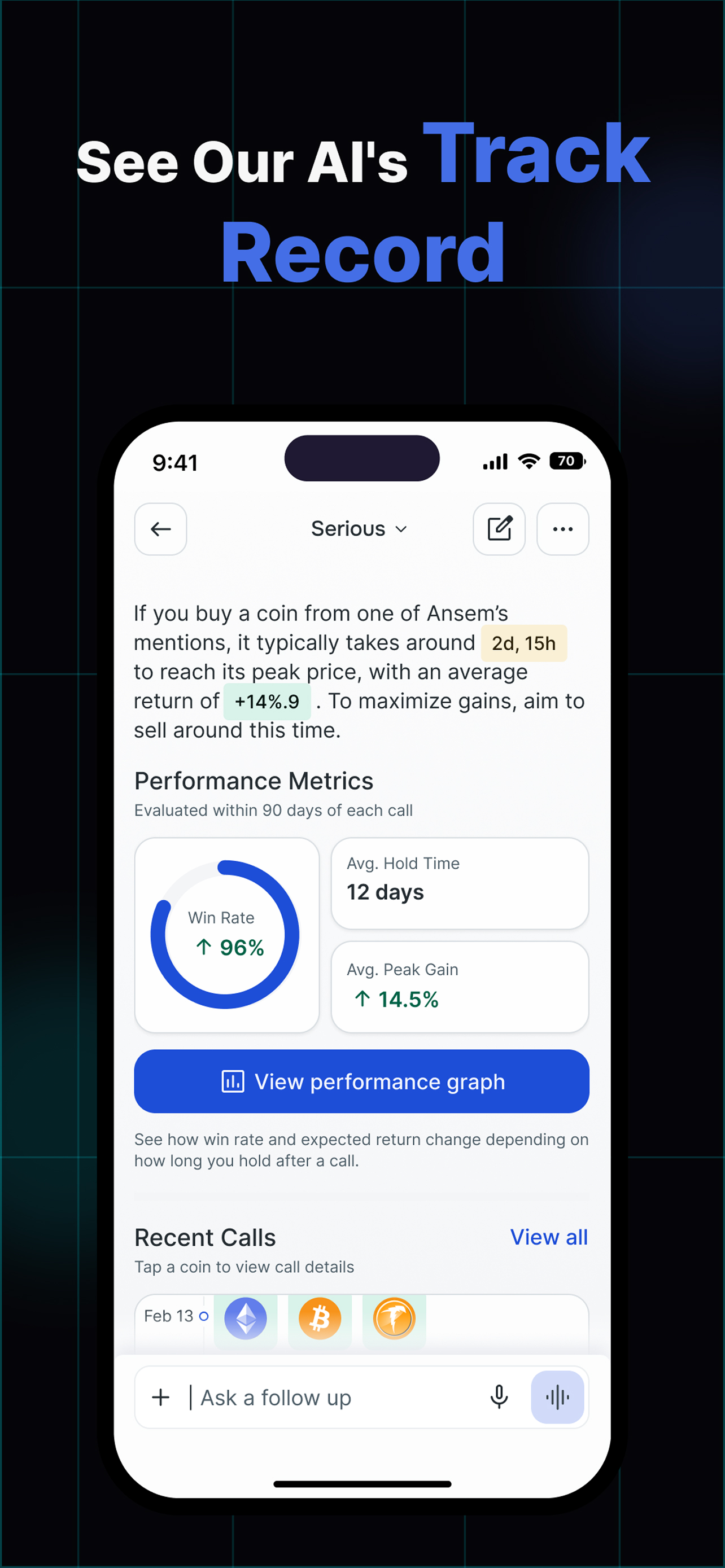
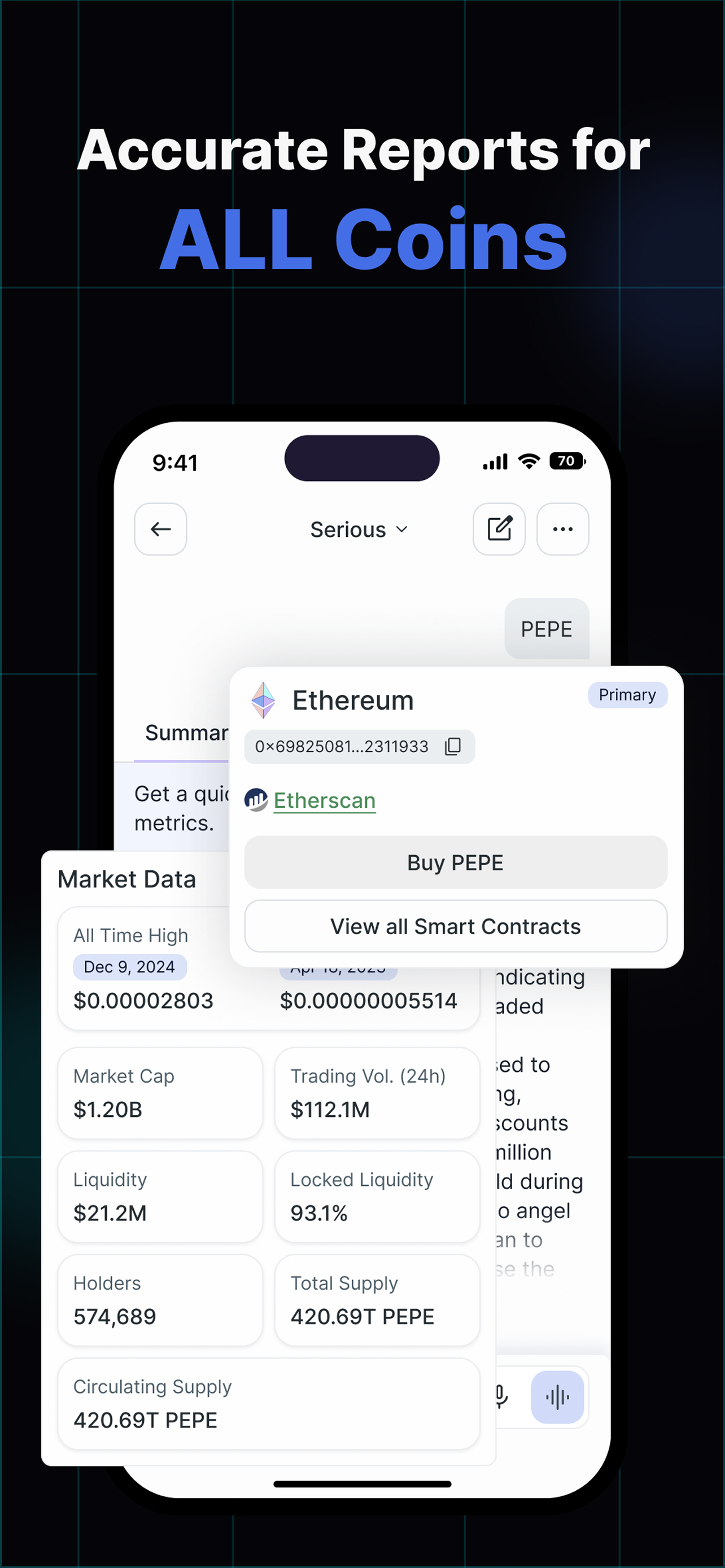
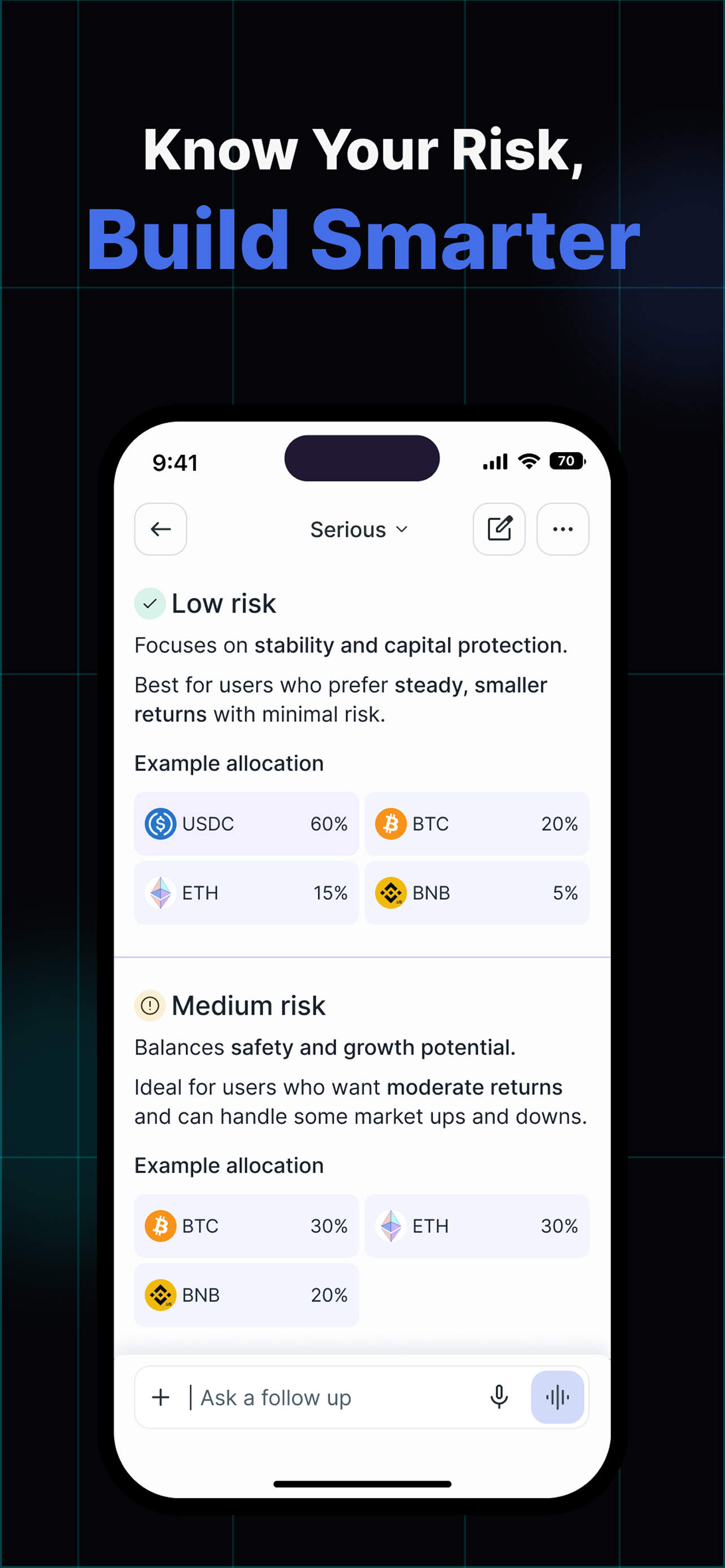
Chatoshi AI is your ultimate AI chatbot for all things blockchain, crypto, and Web3. Whether you're a beginner or an expert, get instant answers, in-depth coin reports, backtest analyses, market trends, influencer insights, and the latest news—all in one place. Ask Anything About Blockchain & Crypto – Get clear and reliable AI-generated answers. Coin Reports & Market Analysis – Stay informed with real-time data and insights. Backtest Strategies – Analyze past market performance to make smarter decisions. Crypto News & Influencer Reports – Keep up with trending topics and expert opinions. Voice Search & Follow-Up Questions – Interact seamlessly with Chatoshi AI. Stay ahead in the crypto world with Chatoshi AI—your AI-powered Web3 companion! Terms of Use apply https://www.apple.com/legal/internet-services/itunes/dev/stdeula/
What's New
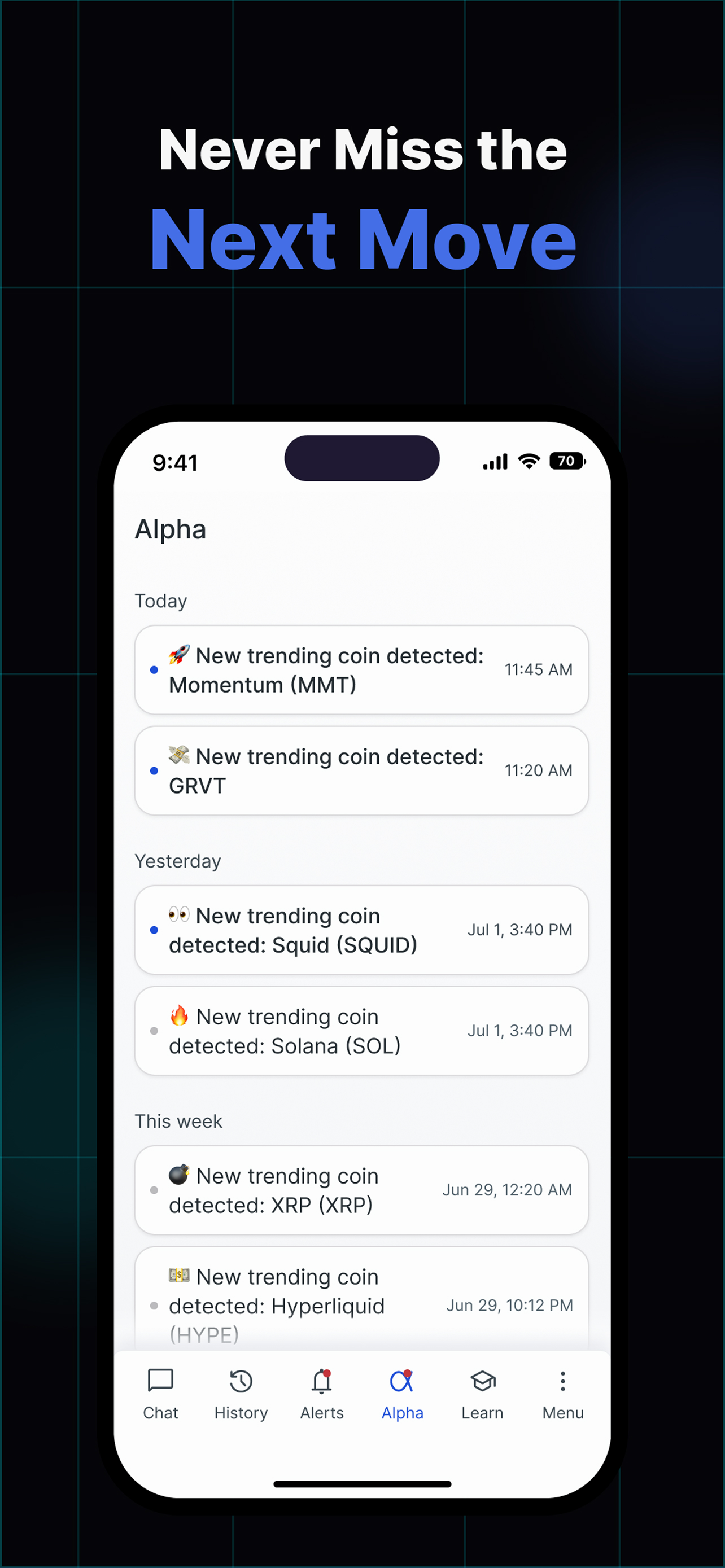
• Alpha without an account: see the latest calls and get Alpha alerts as a guest • Alpha: archive and restore signals, plus refreshed signal cards • Copy button on code and Markdown blocks in answers • Suggested alerts now scroll into view in a new alert card • Web links open in an in-app browser • The Chatoshi icon is back in notifications • Bug fixes & improvements Permissions used by Chatoshi AI (Android names in brackets): • Location [ACCESS_FINE_LOCATION, ACCESS_COARSE_LOCATION]: only when you ask for nearby results such as "crypto ATMs near me". Requested in context, never in the background. To test: ask "where is the nearest crypto ATM?" • Microphone and audio settings [RECORD_AUDIO, MODIFY_AUDIO_SETTINGS]: Voice Mode, real-time conversation with the assistant. To test: tap the mic icon. • Bluetooth [BLUETOOTH_CONNECT; BLUETOOTH and BLUETOOTH_ADMIN on Android 11 and older only]: routing Voice Mode audio to a connected headset. • Camera [CAMERA]: attaching a photo to a chat message or feedback report. • Notifications [POST_NOTIFICATIONS]: price and signal alerts you create in the app. • Screenshot detection [DETECT_SCREEN_CAPTURE]: offering a share prompt when you screenshot a chat. The screenshot itself is never read. • Push delivery [com.google.android.c2dm.permission.RECEIVE, READ_GSERVICES, WAKE_LOCK, VIBRATE]: receiving those alerts through Firebase Cloud Messaging. • Network [INTERNET, ACCESS_NETWORK_STATE, CHANGE_NETWORK_STATE]: streamed chat responses, Voice Mode audio and connectivity checks. • Install referrer [BIND_GET_INSTALL_REFERRER_SERVICE]: added by Firebase Analytics; reads only which store the app was installed from. • [DYNAMIC_RECEIVER_NOT_EXPORTED_PERMISSION]: internal to the app (AndroidX); protects its own broadcast receivers and is never shown to users. The dApp Store build requests no biometric, fingerprint, storage, advertising-ID or billing permissions.